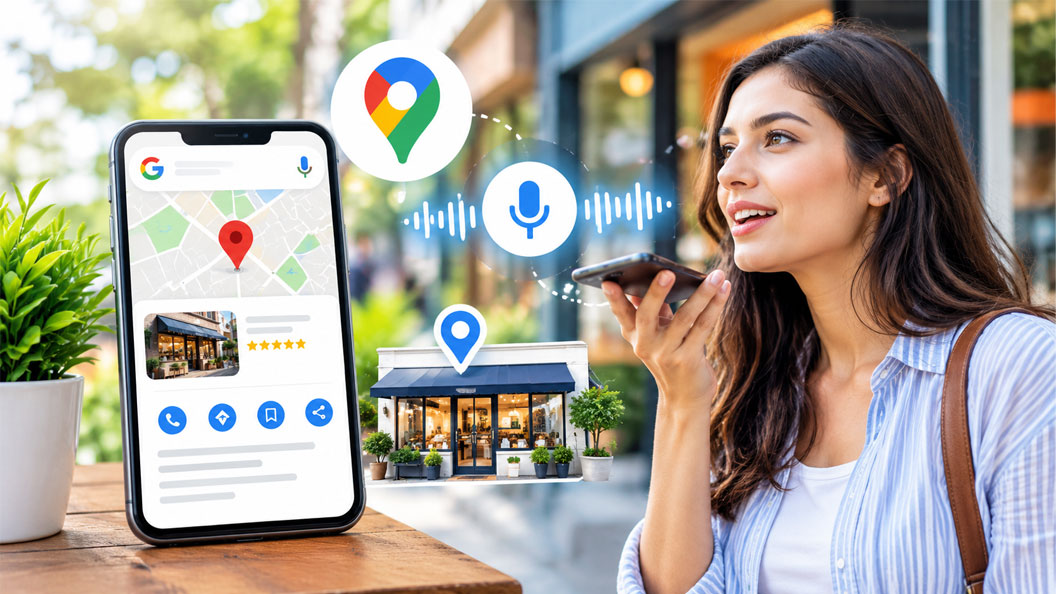
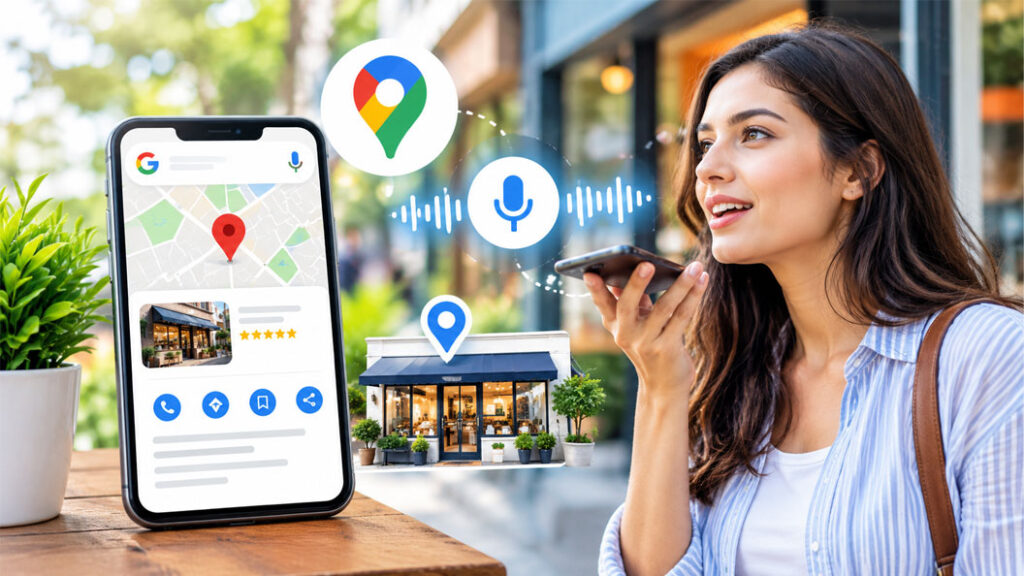
Someone stands on a street corner and says, “Hey Google, where’s the nearest pharmacy that’s open right now?” Within seconds, one business gets named, mapped, and called. The others never get a chance.
That moment is decided long before the question is asked. It is decided by how well your Google Business Profile is set up.
Voice assistants do not read ten blue links aloud. They pull a short, confident answer, and for local questions that answer usually comes from a business profile. This guide shows you exactly how to optimize your Google Business Profile for “near me” voice searches, step by step, so your business becomes the answer people hear.
Quick Answer: What Is the Fastest Way to Rank for “Near Me” Voice Searches?
Claim and verify your Google Business Profile, then make it complete, accurate, and conversational. The core moves are:
- Claim and verify your profile.
- Choose the right primary category.
- Keep your name, address, and phone number (NAP) identical everywhere.
- Write a description and Q&A in natural, spoken language.
- Keep hours, services, and attributes current.
- Collect and answer reviews regularly.
- Add real photos and fresh posts.
The rest of this article explains how to do each one well.
What Is a Google Business Profile?
A Google Business Profile is the free listing that appears when people find your business on Google Search and Google Maps. It shows your name, address, hours, phone number, website, photos, reviews, and more.
You may also hear it called a Google My Business profile. Google My Business (GMB) was the original name of the product. Google later renamed it Google Business Profile and moved most management into Search and Maps. The goal is unchanged: control how your business appears in local results.
Why Voice Search Changes Local SEO
Typed searches and spoken searches behave differently.
- Typed: “plumber Austin”
- Spoken: “Who’s a good emergency plumber near me that’s open now?”
Spoken queries are longer, more conversational, and more likely to include a clear need: open now, closest, best rated, or wheelchair accessible. They are also often asked on a phone, which means the person is ready to act.
Assistants answer these questions with a short list of local businesses or a single recommendation. Being one of those few results matters far more than being on page one of a long list. That makes local SEO near me work, which centers on your Google Business Profile, one of the highest-value marketing investments for any location-based business.
How Google Decides Which Businesses to Show
Google states that local results are based mainly on three factors:
Factor | What It Means | How You Influence It |
Relevance | How well your profile matches the search | Category, services, description, Q&A |
Distance | How close you are to the searcher | Accurate address and service area |
Prominence | How well known and trusted you are | Reviews, links, mentions, brand presence |
You cannot change where a customer is standing. You can strengthen relevance and prominence, and that is where voice search optimization pays off.
Step 1: Claim and Verify Your Business
If you have ever wondered, “How do I claim my business on Google?”, the process is simple.
- Search for your business name on Google or Google Maps.
- If a listing appears, select Claim this business or Manage this business. If none appears, choose to add your business to Google.
- Sign in with a Google account you control, ideally a shared business account rather than a personal one.
- Enter your business name, category, and address. If you serve customers at their location, add your service area instead of showing your address.
- Complete verification. Depending on your business, Google may offer phone, text, email, video, or postcard verification.
- Wait for confirmation, then finish your profile.
Tip: If someone else already owns the listing, you can request ownership from the profile. Do this early, because an unverified profile cannot be fully optimized.
Step 2: Choose the Right Primary Category
Your primary category is one of the strongest relevance signals you control. A mismatch can keep you out of the very searches you want.
- Pick the most specific category that describes your core business. “Italian restaurant” is stronger than “restaurant.”
- Add secondary categories for real, additional services.
- Avoid categories that do not describe what you actually offer.
Review what top-ranking competitors use. If several of them share a category you have missed, it is worth a look.
Step 3: Make Your NAP Perfectly Consistent
NAP stands for name, address, and phone number. Voice assistants rely on trusted, consistent data. If your listing says “Suite 4” and your website says “Ste. 4,” or if you use different phone numbers across directories, you create doubt.
Check NAP on:
- Your website footer and contact page
- Facebook, Instagram, LinkedIn, and other social profiles
- Yelp, Bing Places, Apple Business Connect, and industry directories
Pick one format and use it everywhere.
Step 4: Write for How People Talk
This is the heart of voice search optimization. Spoken queries sound like questions, so your profile should answer questions in plain language.
Write a Conversational Business Description
You have up to 750 characters, and only the first portion is visible before people expand it. Put the most important information first.
Weak: “Premier provider of quality dental solutions.”
Stronger: “We are a family dental clinic in downtown Denver offering checkups, teeth whitening, and emergency appointments. We are open Saturdays and accept most major insurance plans.”
The stronger version names the service, the place, and the practical details a voice searcher cares about. Avoid keyword stuffing, since it reads badly and violates Google’s guidelines.
Use the Questions and Answers Feature Wisely
Add questions people genuinely ask and answer them directly, in one or two sentences.
- “Do you offer same-day appointments?”
- “Is there free parking near your store?”
- “Do you deliver within the city?”
Check regularly for new questions from the public and reply promptly. Note that Google has changed how Q&A appears in some regions and interfaces, so also publish these answers on your website, where assistants can find them too.
Build a Matching FAQ Page on Your Website
Your Google Business Profile and your website work together. Add an FAQ page with short, direct answers and use FAQ schema markup where appropriate. Lead each answer with the direct response, then add detail.
Step 5: Keep Hours, Services, and Attributes Accurate
“Open now” is one of the most common voice modifiers. If your hours are wrong, you lose the customer and risk a poor review.
- Set regular hours and special hours for holidays.
- List your services and products with short descriptions.
- Turn on relevant attributes, such as wheelchair accessible, free Wi-Fi, outdoor seating, curbside pickup, or women-led.
- Add your appointment link, menu link, or booking link if available.
Attributes help match specific spoken requests such as “restaurants near me with outdoor seating.”
Step 6: Earn and Answer Reviews
Reviews feed prominence and influence which business an assistant recommends. Voice searches often include “best” or “top rated,” so strong reviews carry real weight.
How to build a steady review flow:
- Ask happy customers right after a good experience.
- Share your direct review link by text, email, or a QR code at checkout.
- Never offer incentives for reviews or review-gate customers. This violates Google’s policies.
How to respond:
- Thank positive reviewers by name and mention something specific.
- Respond to negative reviews calmly, take accountability, and offer to continue offline.
- Reply in natural language. Review responses add relevant, human wording to your profile.
Step 7: Add Real Photos, Videos, and Posts
Profiles with photos tend to look more trustworthy and complete. Upload:
- Exterior and interior photos so people recognize your location
- Team photos and product or service images
- Short videos that show your space or process
Use Google Posts to share offers, events, and updates. Fresh activity signals that the business is active. Describe images with clear file names before uploading, and keep every image genuine.
Step 8: Strengthen Your Website for Voice
Your profile links to your website, and assistants consider both.
- Make the site mobile-friendly and fast, since most voice searches happen on phones.
- Create location pages for each branch with unique content, local details, and embedded maps.
- Add LocalBusiness schema markup with your name, address, hours, and phone number.
- Use headings that mirror real questions, and answer them in the first sentence.
- Write in a natural tone, as if explaining it to a neighbor.
Step 9: Track Performance and Improve
Optimization is ongoing. In your profile’s performance section, watch:
- How customers found you (Search or Maps)
- Calls, direction requests, website clicks, and bookings
- The search terms that triggered your profile
Test your own visibility. Ask your phone or smart speaker the questions your customers ask, such as “best coffee shop near me” or “find a dentist open on Saturday,” and see who gets named. Then adjust your profile based on what you learn.
Voice Search Optimization Checklist
- ☐ Profile claimed and verified
- ☐ Specific primary category chosen
- ☐ NAP identical across the web
- ☐ Conversational, front-loaded description
- ☐ Q&A answered, FAQ page published
- ☐ Hours, special hours, services, and attributes current
- ☐ Review request process in place; all reviews answered
- ☐ Fresh photos, videos, and regular posts
- ☐ Mobile-friendly site with LocalBusiness schema
- ☐ Monthly performance check
Common Mistakes to Avoid
- Keyword stuffing the business name. Adding keywords to your name violates guidelines and can lead to suspension. Use your real business name.
- Ignoring inconsistent listings. Old addresses and phone numbers confuse assistants.
- Leaving reviews unanswered. Silence suggests no one is paying attention.
- Setting and forgetting. Seasonal hours, new services, and outdated photos hurt trust.
- Using a virtual office or fake address. This risks suspension and loss of visibility.
When to Work With Marketing Agencies
Many owners can handle the basics themselves. Still, multi-location brands, competitive industries, and busy teams often benefit from specialist support. Reputable marketing agencies can audit your profile, fix citation problems, manage reviews at scale, build location pages, and track what drives calls and visits.
When choosing a partner, look for clear reporting, transparent methods, and a focus on guideline-compliant work rather than shortcuts. At MLS Digital Solutions, we help businesses set up and grow their Google Business Profile as part of a broader local SEO and digital marketing strategy built around real customer behavior.
Final Thoughts
Voice search rewards businesses that are clear, consistent, and trustworthy. Your Google Business Profile is where those qualities become visible to both customers and assistants. Claim it, complete it, speak the way your customers speak, and keep it fresh.
Ready to be the answer when someone says “near me”? Contact MLS Digital Solutions for a Google Business Profile audit and a local SEO plan tailored to your business.
Frequently Asked Questions

I am a Digital Marketing Specialist at MLS Digital Solutions, where I focus on helping businesses strengthen their online presence through SEO, Google Ads, content marketing, and digital growth strategies. With a focus on practical, data-driven marketing, I create informative content designed to help businesses reach the right audience, improve online visibility, and achieve meaningful digital growth.